Manage inspection equipment
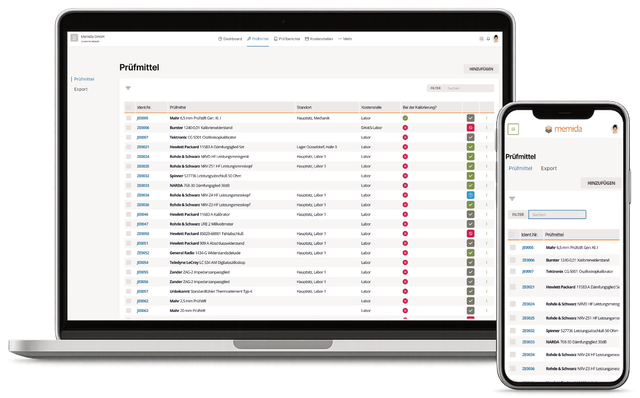
Fig. 1: Inspection equipment list
Central management of all inspection equipment—from creation and due dates to documents, locations, and an audit-proof history. The list offers filtering, search, export, and bulk actions; detail pages consolidate status, actions, and evidence.
You can organize related devices as an inspection equipment group or set. Each item retains its own inspection dates and evidence, while the group inherits its most critical status.
Use Action → Add calibration certificate on an individual item to create and seal calibration certificates.
📄️ Overview
Guide to managing inspection equipment
📄️ Details
Inspection equipment details
📄️ Status logic
Status values for inspection equipment
📄️ Calendar
Month view for due inspection equipment and upcoming inspection dates
📄️ Groups and Sets
Create, manage, and classify related inspection equipment as a group or set
📄️ Add inspection equipment
Use the wizard to create inspection equipment and groups, save drafts, and add calibration details, locations, and reports.
📄️ Import
Import inspection equipment from CSV or Excel tables, map columns, review rows, and correct invalid data before saving